Why CSV is the most common label input
Most label jobs start as a CSV export from a CRM, spreadsheet, or contact tool. Teams often need labels quickly for notices, outreach, and routine office mail, and CSV is the most portable format across systems. This page is built for that exact workflow: print labels from CSV with minimal setup and reliable output.
Why Word and label-template workflows slow teams down
Word label workflows usually require a wizard path, vendor and product-number selection, and strict source formatting. If layout settings drift or input data is uneven, alignment errors appear and sheets get wasted.
- Repeated wizard steps before first output.
- Template and vendor-number dependency.
- Manual mapping and cleanup for inconsistent exports.
- Alignment troubleshooting when margins are off.
Upload once, choose your sheet, print
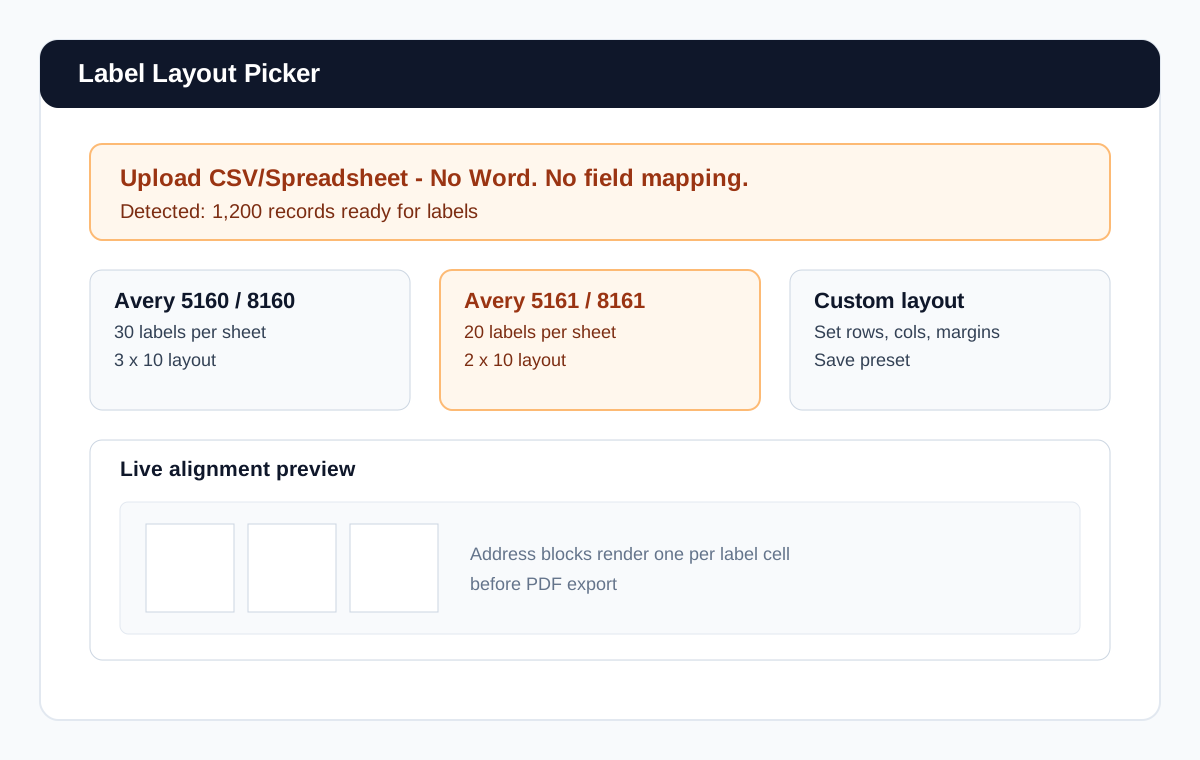
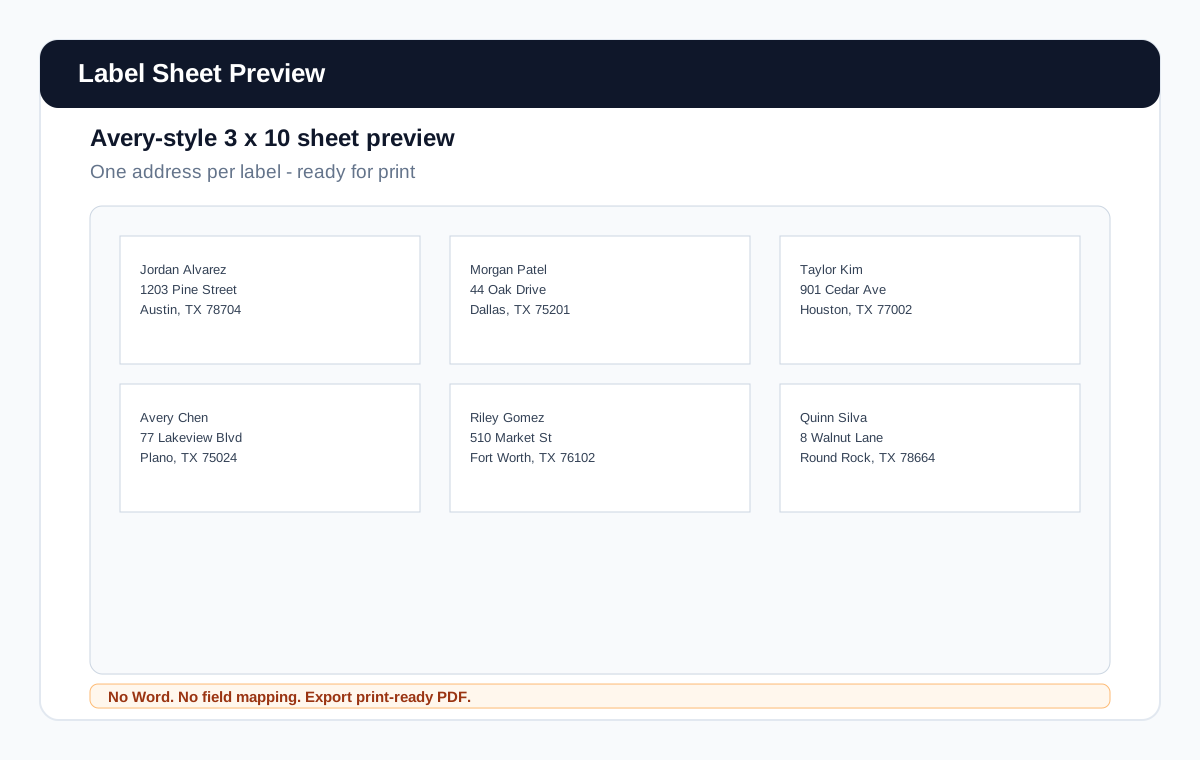
Upload CSV or spreadsheet data, review parsed records, choose your sheet layout, and generate a print-ready PDF. That is the whole path. No Word dependency and no manual merge-field setup.
Ready to run this list?
Generate a label PDF from my CSVSupported label layouts and alignment confidence
The labels workflow supports common standard layouts used in offices, including Avery-style configurations. Keeping familiar sheet formats visible on-page helps teams confirm fit early and avoid alignment guesswork later.
Need both exact and adjacent variants? This workflow also covers print address labels from spreadsheet, labels without Word, and Avery labels from spreadsheet use cases.
CSV issues this page helps prevent
- Extra non-address columns mixed into exports.
- Messy lists copied from multiple sources.
- Blank rows and malformed address records.
- Inconsistent formatting from spreadsheet edits over time.
Automatic parsing handles common format variation so teams spend less time manually normalizing fields before print.
Use the same list for labels, envelopes, and letters
The same address list used for label sheets can also generate envelopes and letters without re-importing or reconnecting sources.
Frequently asked questions
Do I need Word to print labels from CSV?
No. You can generate print-ready labels directly from CSV or spreadsheet input.
Can I use Excel instead of CSV?
Yes. Spreadsheet input is supported, including Excel exports.
Do I need to map every field manually?
No. Names and addresses are parsed automatically so manual mapping is minimized.
Can I print standard address-label layouts?
Yes. Common label-sheet formats are supported, including familiar Avery-style layouts.
Can I reuse the same list for envelopes later?
Yes. One list can be reused across labels, envelopes, and letters.
Related guides
Skip Word for labels and print faster
Upload CSV and preview