When online letter merge is the right fit
This workflow is for physical letters, not email blasts. Teams use it for recurring office correspondence, notices, donor letters, and outreach where they need personalized documents quickly and consistently.
If you need mail merge letters online with downloadable files you can print in-house, this page is built for that use case.
What teams usually do in Word
In Word, letter merge usually means template setup, source linking, field mapping, and repeated troubleshooting when data changes. It works, but is slower than it needs to be for teams running frequent letter batches.
How List Processor generates letters online
- Paste or upload list data from Excel, CSV, or copied text.
- Review parsed records and select letter output.
- Apply your template and generate merged files.
- Download print-ready documents and send.
Use your own template, letterhead, and merge fields
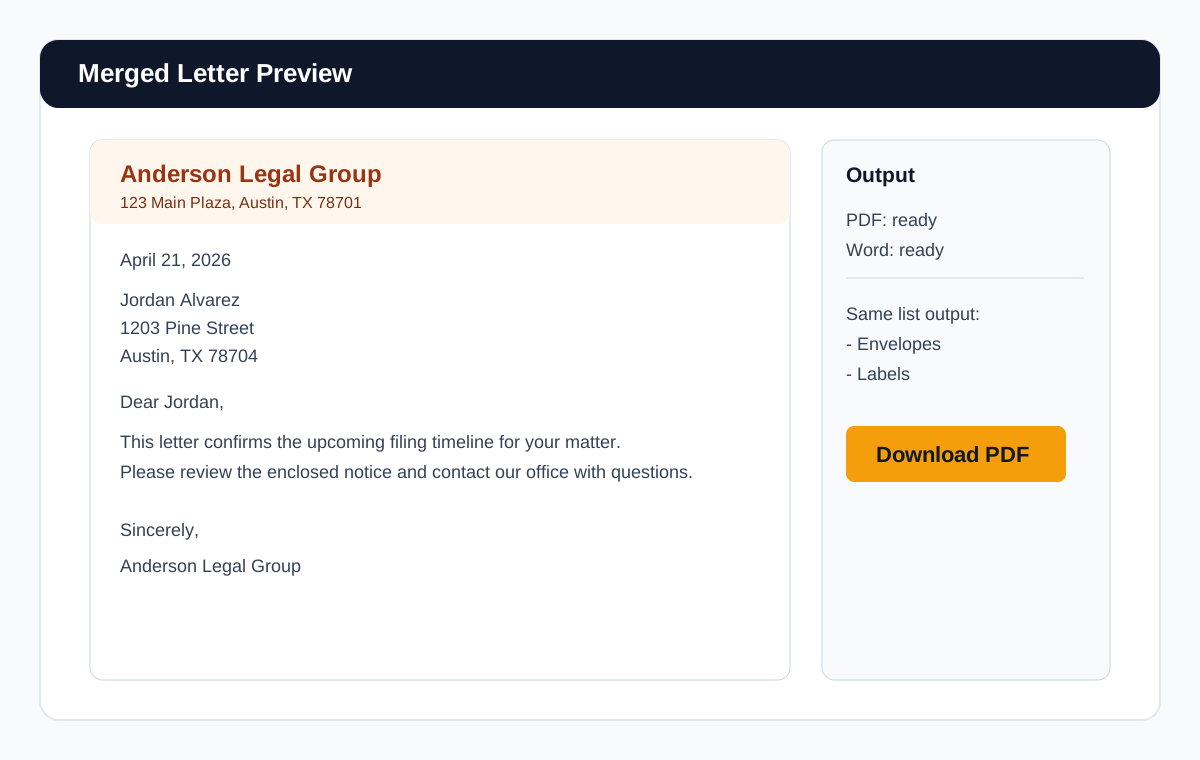
Professional teams need branded output. Upload your own letterhead or template, then merge recipient data into address and greeting fields for polished, ready-to-print letters.
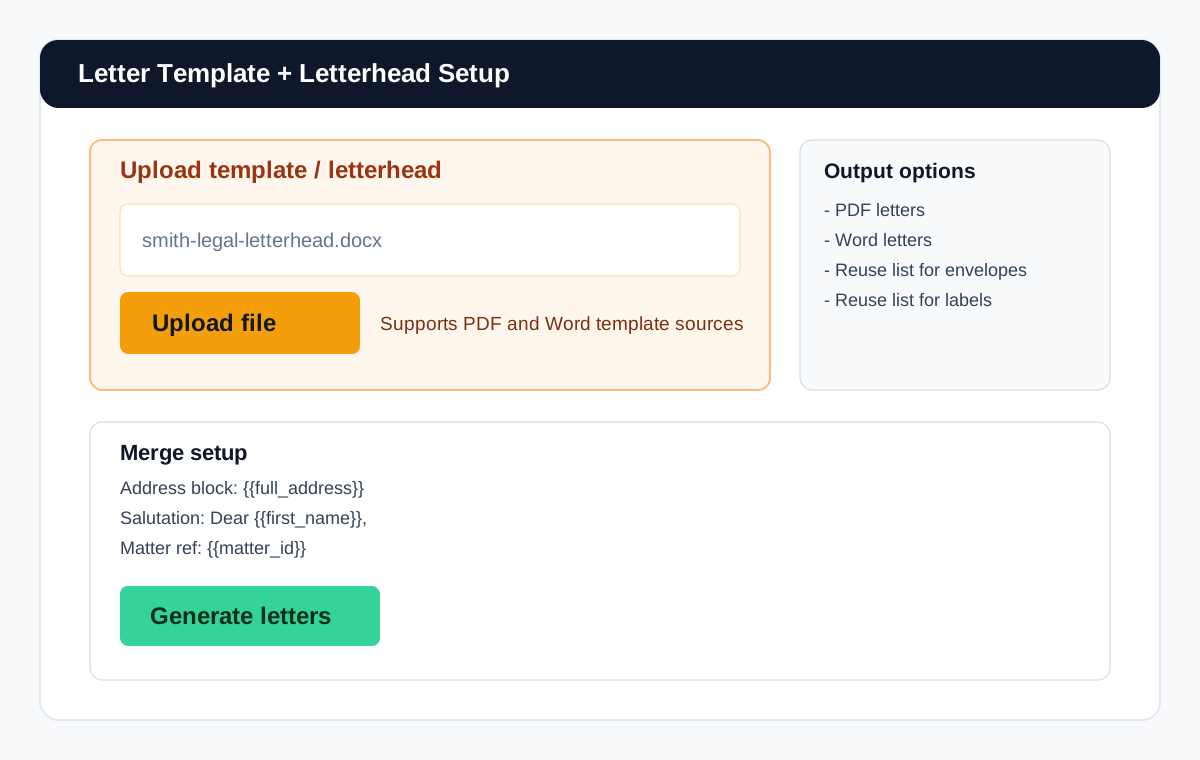
Need branded output?
Upload my letterheadDownload PDF or Word output
Deliverables are concrete and immediately useful: merged letters in PDF and Word formats for internal review, final print runs, and handoff workflows.
Reuse the same list for envelopes and labels
One list can drive multiple outputs in the same workflow, so you can generate letters first, then envelopes and labels without rebuilding your source.
Use cases by team
Legal notices
Generate notice letters from case lists with consistent firm formatting.
Real estate follow-up
Create personalized follow-up letters for contacts and property lists.
Office correspondence
Standardize recurring outgoing letter workflows across staff.
Marketing mailings
Run bulk letter campaigns with less setup and fewer merge issues.
Proof point: teams regularly report reclaiming hours from recurring notice and correspondence runs by removing repeated Word merge setup.
Frequently asked questions
Can I use my own letterhead?
Yes. You can use your own letterhead and templates for merged letter output.
Can I download Word docs as well as PDFs?
Yes. Output includes both PDF and Word formats.
Can I merge from Excel or CSV?
Yes. Excel, CSV, and pasted-list inputs are supported.
Can I use the same list for envelopes too?
Yes. One list can generate letters, envelopes, and labels.
Is this for physical letters, not email blasts?
Yes. This page and workflow are for physical letter generation and print-ready document output.
Related guides
Ready to generate merged letters?
Download a letter PDF