Why teams look for labels without Word
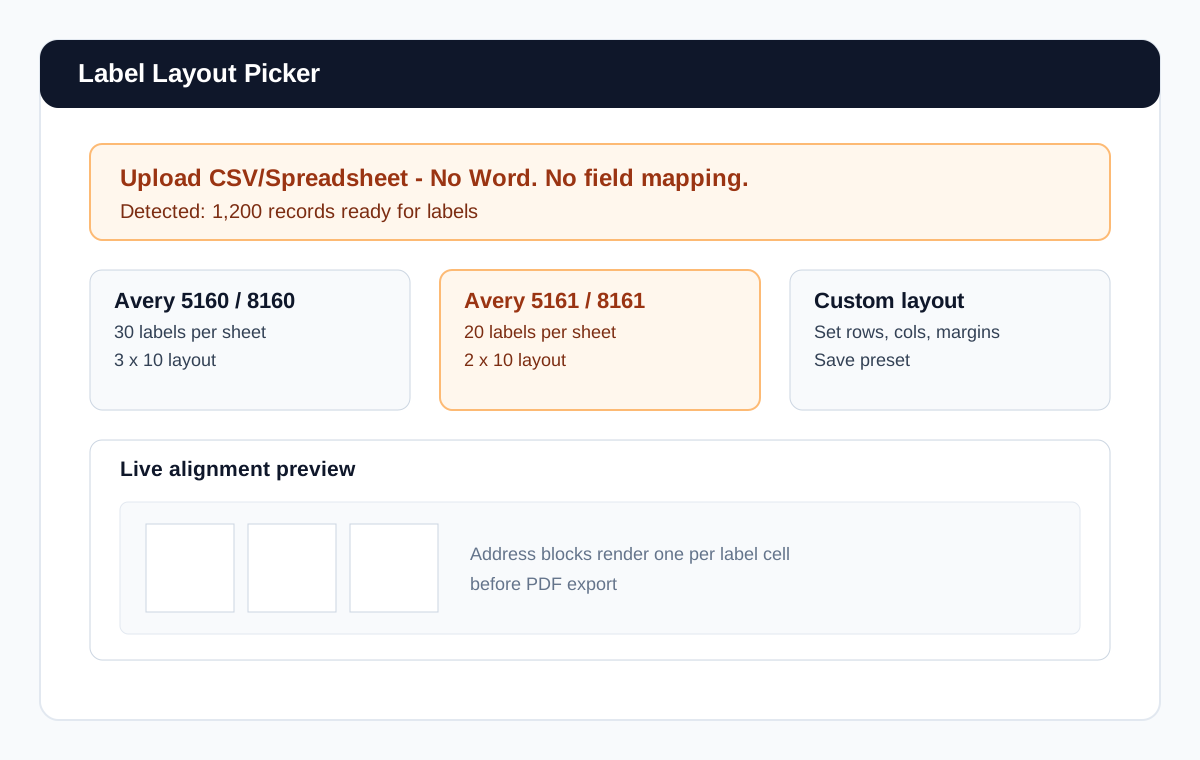
Word label merge can work, but repeated wizard steps, template selection, and alignment troubleshooting slow teams down. If you run frequent mailings, you need an easier path from list to printable labels.
- No field mapping wizard for every run.
- No template relinking when data source changes.
- No repeated margin/alignment guesswork before print.
How label merge works here
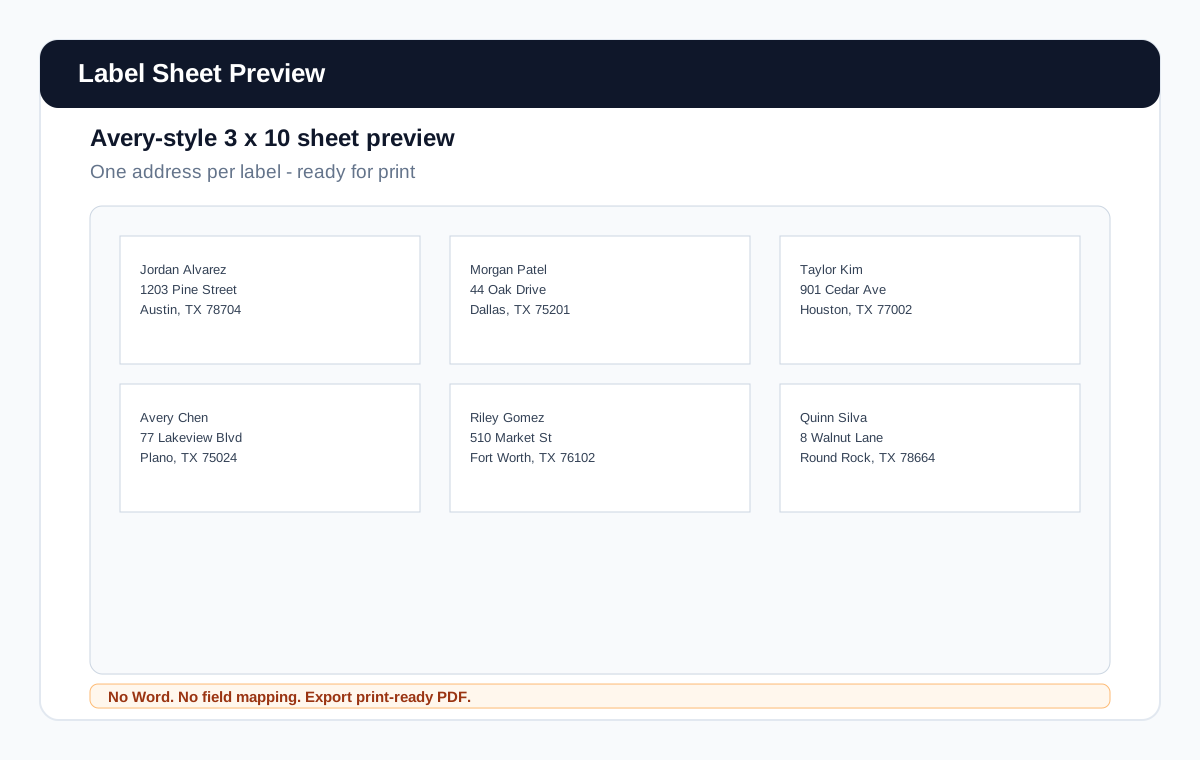
Upload or paste your list, preview parsed addresses, pick your label sheet, and generate a print-ready PDF. You can use the same list later for envelopes and letters without rebuilding your source.
Ready to skip Word for labels?
Generate label PDFWorks with CSV, Excel, and pasted lists
This page supports the same practical office inputs your team already uses: CRM exports, spreadsheet rows, and pasted text lists with standard address patterns.
For a deep CSV-focused walkthrough, see Print Labels from CSV.
Use one list for multiple outputs
Labels are often just one step in the workflow. Reuse the same list to generate envelopes and letters in the same system.
Frequently asked questions
Do I need Microsoft Word to merge labels?
No. You can generate label PDFs directly from your list data.
Can I use Excel files instead of CSV?
Yes. Spreadsheet exports and pasted data are supported.
Do I have to map merge fields manually?
No. Address parsing is automatic for common list formats.
Can I reuse the list for envelopes and letters?
Yes. One list can be reused across all output types.